


Invisible Wires: Agentic Cloud
Pocket Lab, a 60-second incident on the GitHub Universe badge
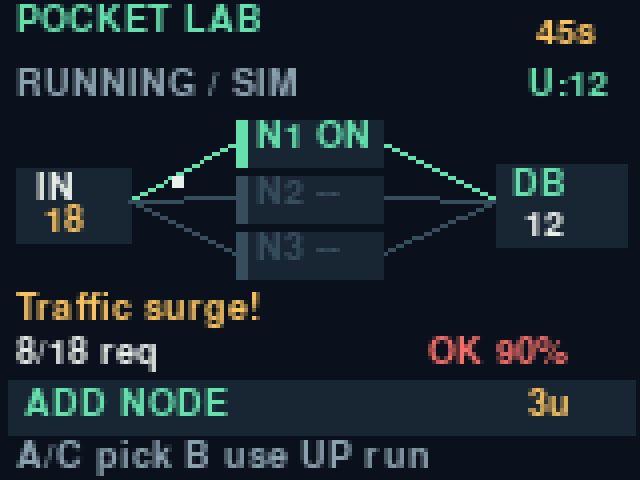
Traffic triples at 15 seconds. One server is running, the database is fine, and 90 percent of requests are getting through. The player has a budget of virtual units and three moves: add a node, repair a node, or put a cache in front of the database. The round lasts 60 seconds.
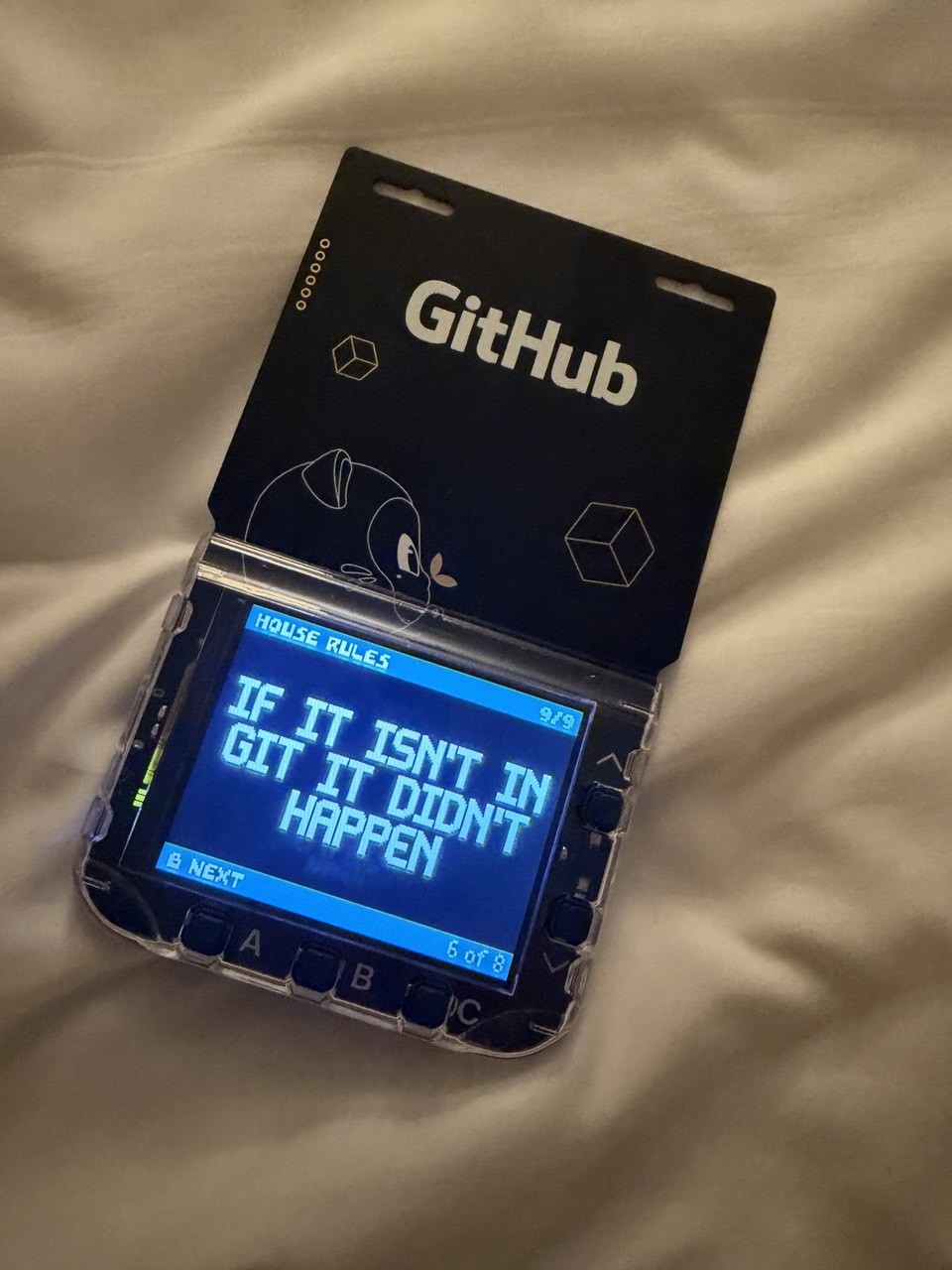
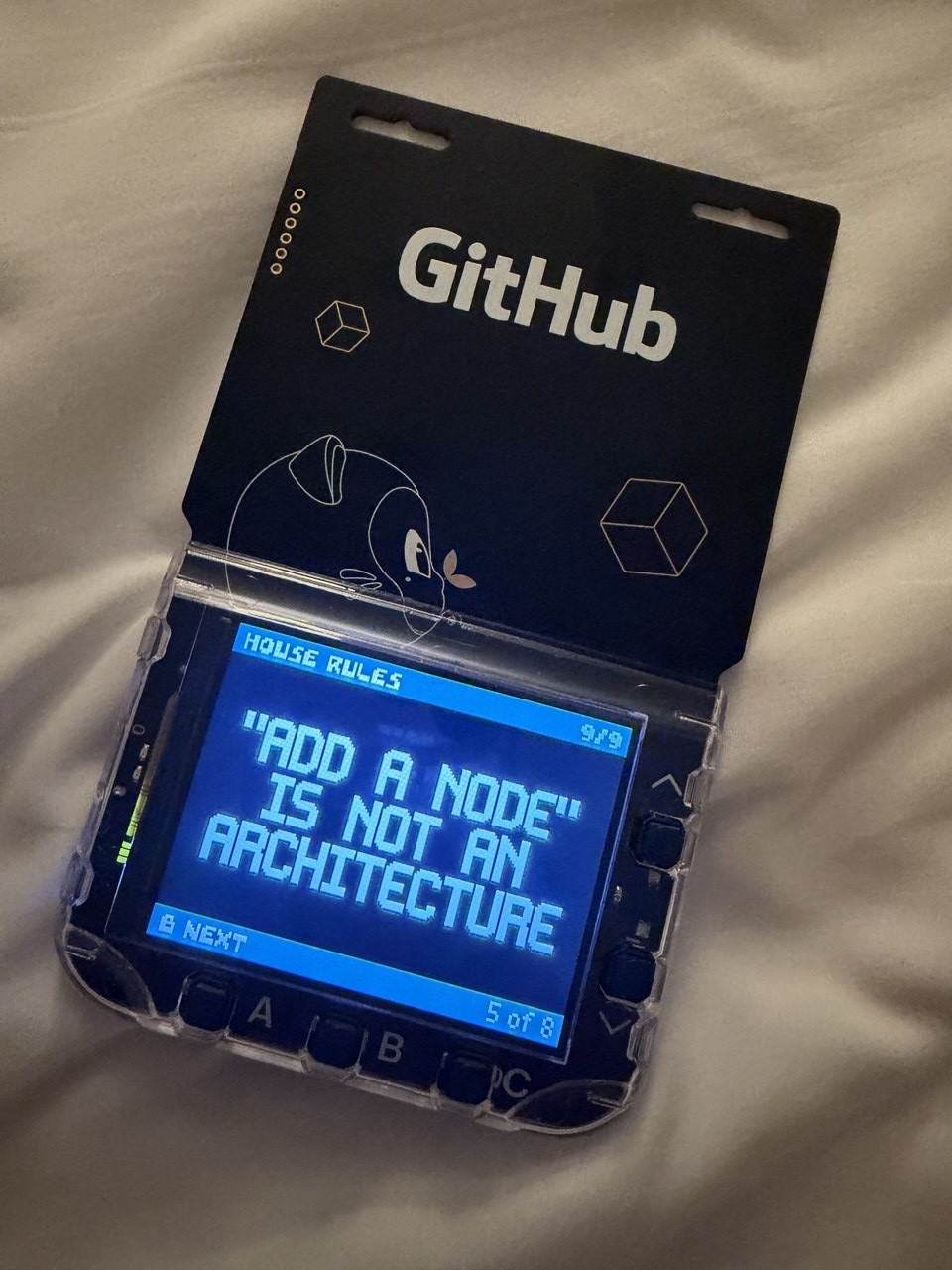
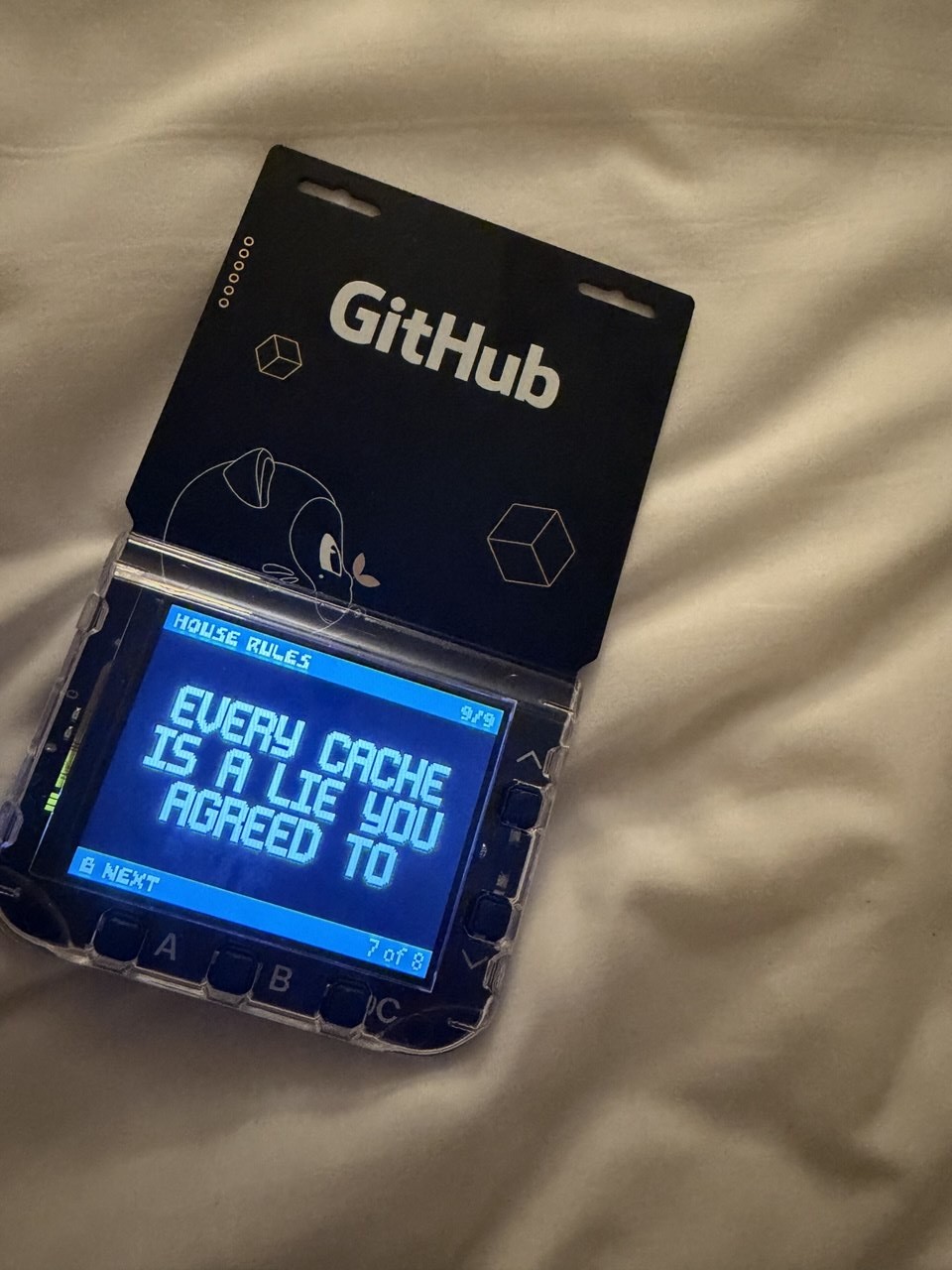
That is Pocket Lab, an app for the GitHub Universe 2025 hackable badge. The three photos in this post are the badge itself, showing screens from its House Rules deck. The Pocket Lab screens come from the badge's official simulator.
The hardware
The badge is a GitHub build of Pimoroni's Tufty 2350, sold through the GitHub Shop. The unit on the desk reports itself as "GitHub Badger with RP2350", running MicroPython 1.26.0 on a firmware build dated 2025-10-20. The panel is 320x240, but the 2025 app framework draws at a logical 160x120, doubled on the way out. Input is A, B and C on the front plus Up and Down. There is no touch controller and no motion sensor, and about 11 MB is free for apps.
GitHub publishes the code at github.com/badger/home, with an app API, a simulator and stock apps: a gallery, games, a contribution graph. Pocket Lab uses that API and that simulator, and nothing else. No new framework, no account, no network.
Three scenarios
The player picks one of three authored rounds. Events are deterministic, so the same choices give the same result every time.
- Flash Crowd. Traffic triples at 15 seconds.
- Node Down. A running server fails mid-round.
- Hot Database. The database slows down and starts dropping requests.
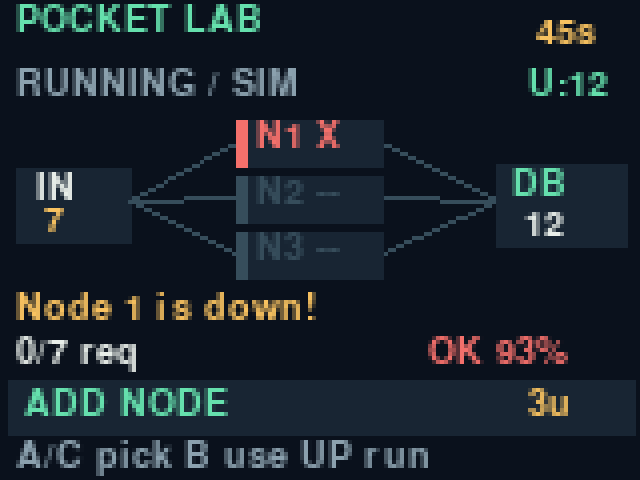
When a node fails, the request path to it turns red and the served count drops to zero for that slot. Repair costs 2 units and brings it back. Adding a fresh node costs 3.
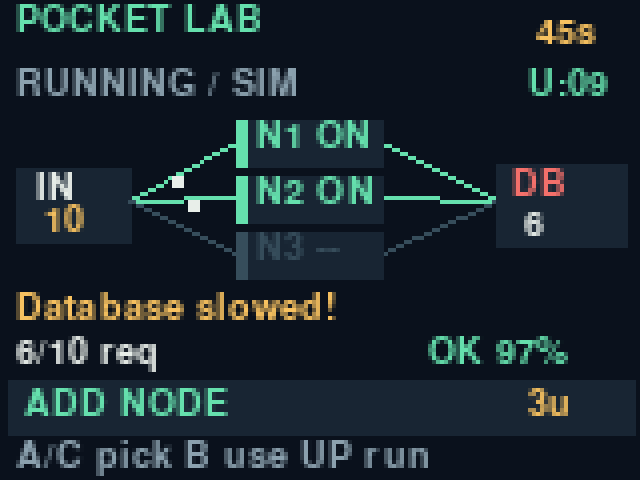
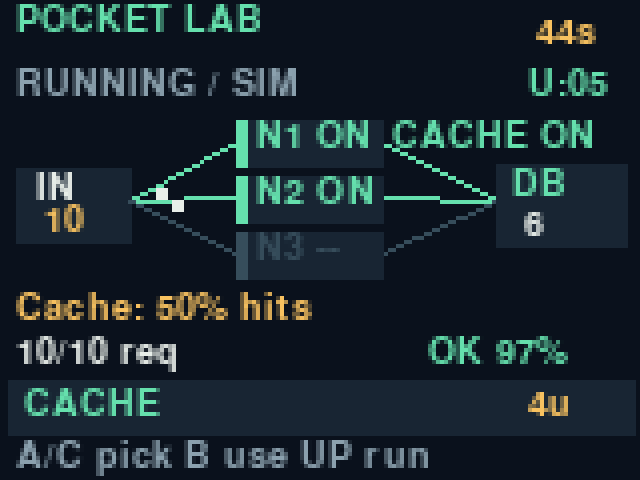
The database scenario is the one that teaches something. The bottleneck sits behind the servers, and the result screen names it. A cache takes half the reads off the database, and the success rate recovers.
The score explains itself
Each round ends with the share of requests served, a score, the units spent, and the single biggest cause of lost requests.
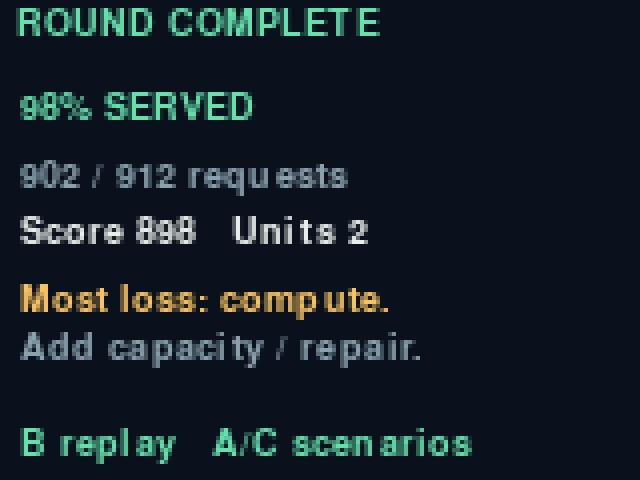
"Most loss: compute. Add capacity or repair." On the database round the same screen says "Most loss: database. Cache or upgrade DB." The result names the constraint, so the next round starts with a better plan.
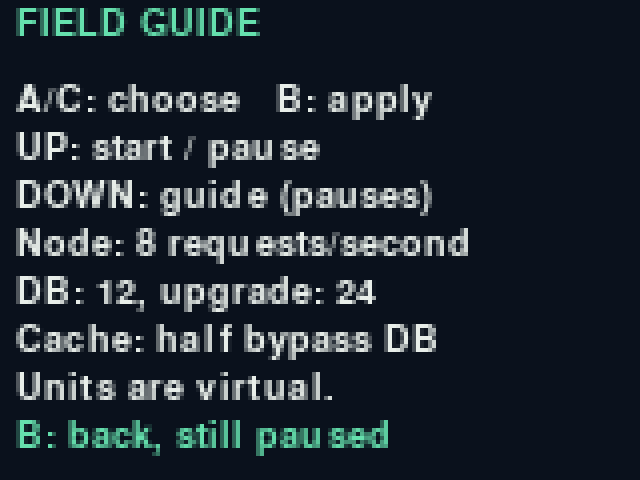
The controls fit on one screen. A and C choose an action, B applies it, Up starts and pauses, Down opens the guide. Every round starts paused, so there is time to plan before the clock runs.
How it was built
The simulation lives in its own Python module with no badge imports, so it runs and is tested on a laptop. Nine model tests pass on the host. The rendering layer is the only part that talks to the badge API. The official simulator then checked all three scenarios, the controls, pause, text fit and the Home button, frame by frame.
Before anything was copied to the device, the badge's filesystem was backed up: 283 files, each with a SHA-256 hash, checked after the copy. Pocket Lab is four files. It took one menu slot and left the stock apps in place, so removing it is a single file restore.
Pocket Lab uses no network and stores no credentials, because a badge is a device that gets handed around.
The budget is simulated units, not money. Requests, throughput and the success rate are model values. Pocket Lab makes no claim about how real infrastructure performs. What it gives is the feel of an incident: limited moves, a clock, and a result that names what to fix.
What is not verified yet
The badge in the photos is real and running, but the photos show the House Rules deck, not Pocket Lab. Frame rate, battery draw and the feel of the physical buttons have not been measured in a Pocket Lab round. The simulator says the game works. The next step is a round played on the badge itself.
Follow along
Get the next post without leaving this page: copy the feed into any reader, or get it by email. Live builds and the lab's music stream on Twitch.
 Ask Waku
Comments